

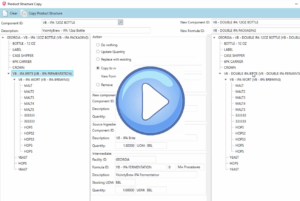
Import Forecast is a new feature that populates the Vicinity Forecast table directly from an Excel spreadsheet. It can also create an empty Excel “template” file that is ready to be populated either manually or with your forecasting tool and then imported into Vicinity.
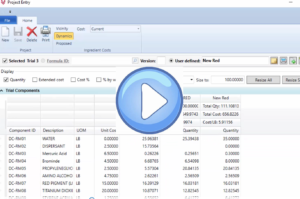
The Project Entry window has been enhanced to support creating a batch directly from a trial. Since a trial no longer needs to be saved to a formula before it can be manufactured, the process of creating test or possibly customer specific sample batches is greatly simplified.
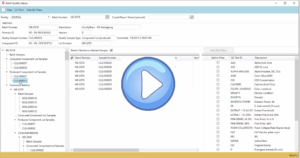
Batch Quality Inquiry is a new Quality feature that displays all quality samples and QC tests for a batch, for lot tracked components produced by a batch, and for lot tracked components consumed by a batch. It performs a multi-level inquiry and displays quality sample information for all batches that produce lot tracked ingredients that are consumed by the parent batch.

What happens when you run out of inventory? A material requirements planning (MRP) tool can give you increased visibility to see current inventory levels at any time while…
Automate batch review to catch out of spec items. Without visibility into your production process as it happens, small variations can have a big impact…
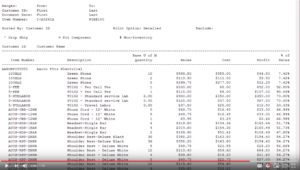
How can I consolidate end of month transactions? Streamline closing month end by avoiding additional transactions. Capture all production data by tagging any known adjustment…
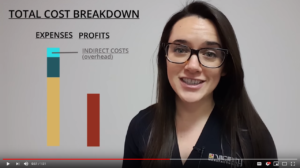
VicinityFood provides accurate and timely access to actual production costs. Without knowing the true costs, in real-time, how can you accurately predict production costs?
Save money by eliminating downtime and therefore maximizing production runs. Becoming more efficient in scheduling can help you reduce the cost of production in…
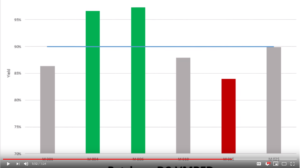
Vicinity Software delivers a flexible user interface for client across departments. In this video, you can see how detailed your actual reporting can be defined…
- « Previous
- 1
- 2